Deco My Tree
Cómo decorar un árbol de Navidad en línea con amigos (2026)
Crea un árbol en Deco My Tree y envía un enlace de invitación al grupo. Esta guía de escritorio muestra lo que ve cada participante.
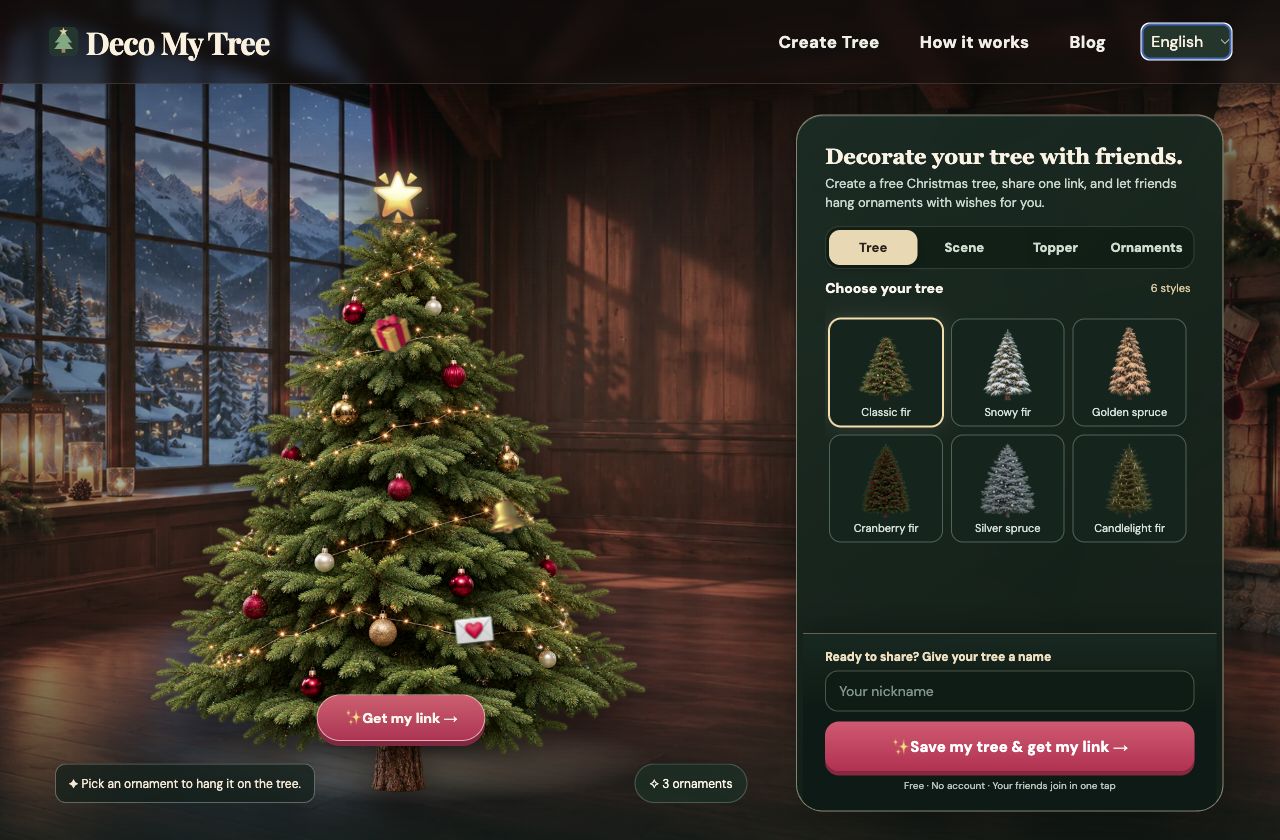
1. Elige tu árbol
Abre el editor en el ordenador, elige un estilo en la pestaña Árbol y compruébalo en la vista previa.
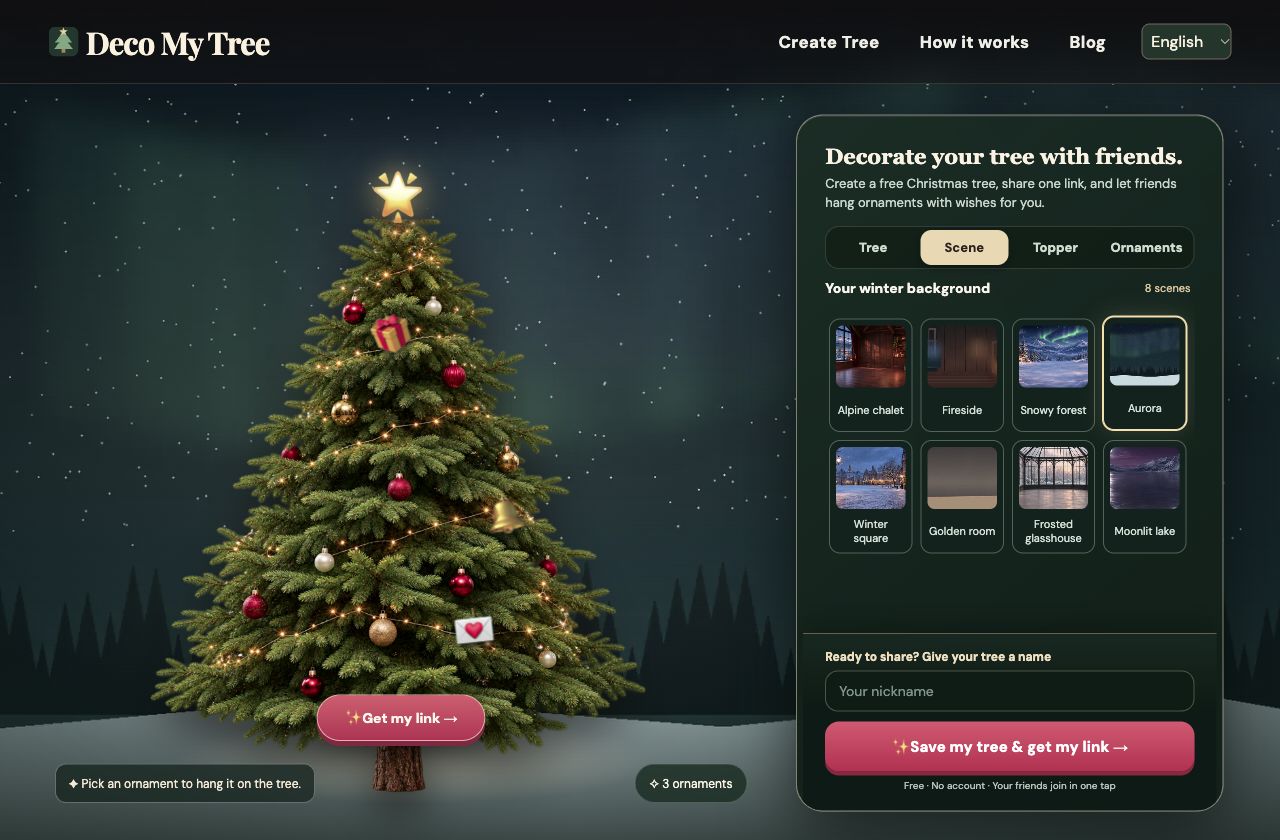
2. Elige un paisaje de invierno
Elige un fondo como la aurora en la pestaña Fondo y revisa la vista previa.
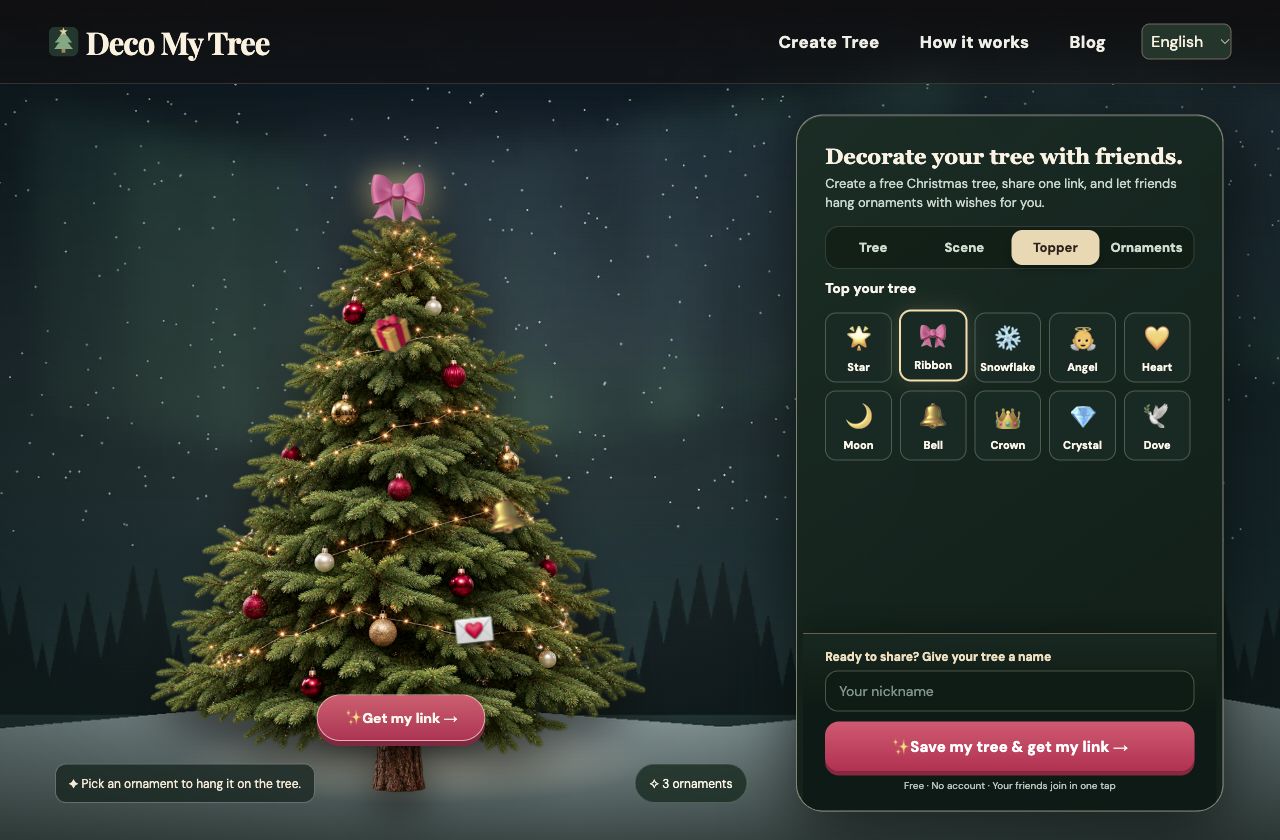
3. Decora la punta
Abre la pestaña Punta y elige una estrella, un lazo u otro adorno.
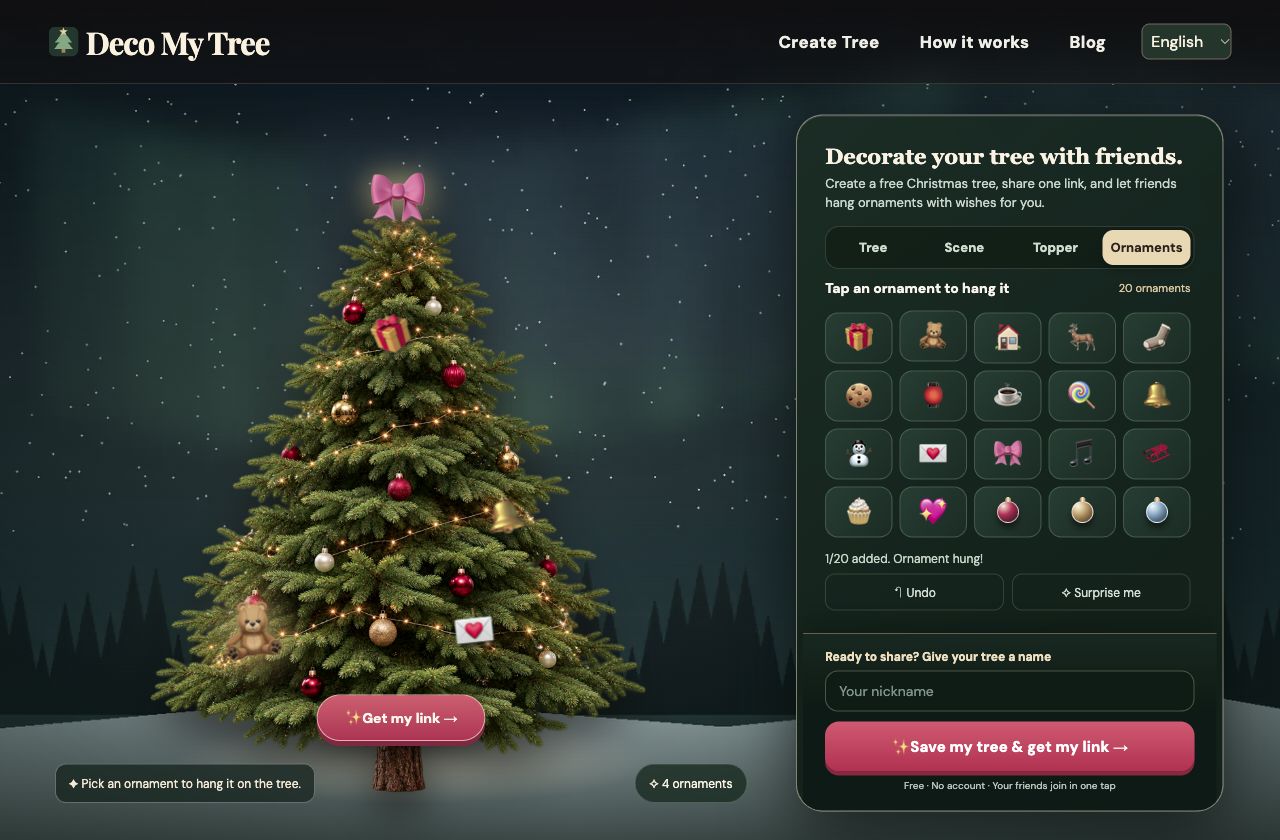
4. Cuelga los adornos
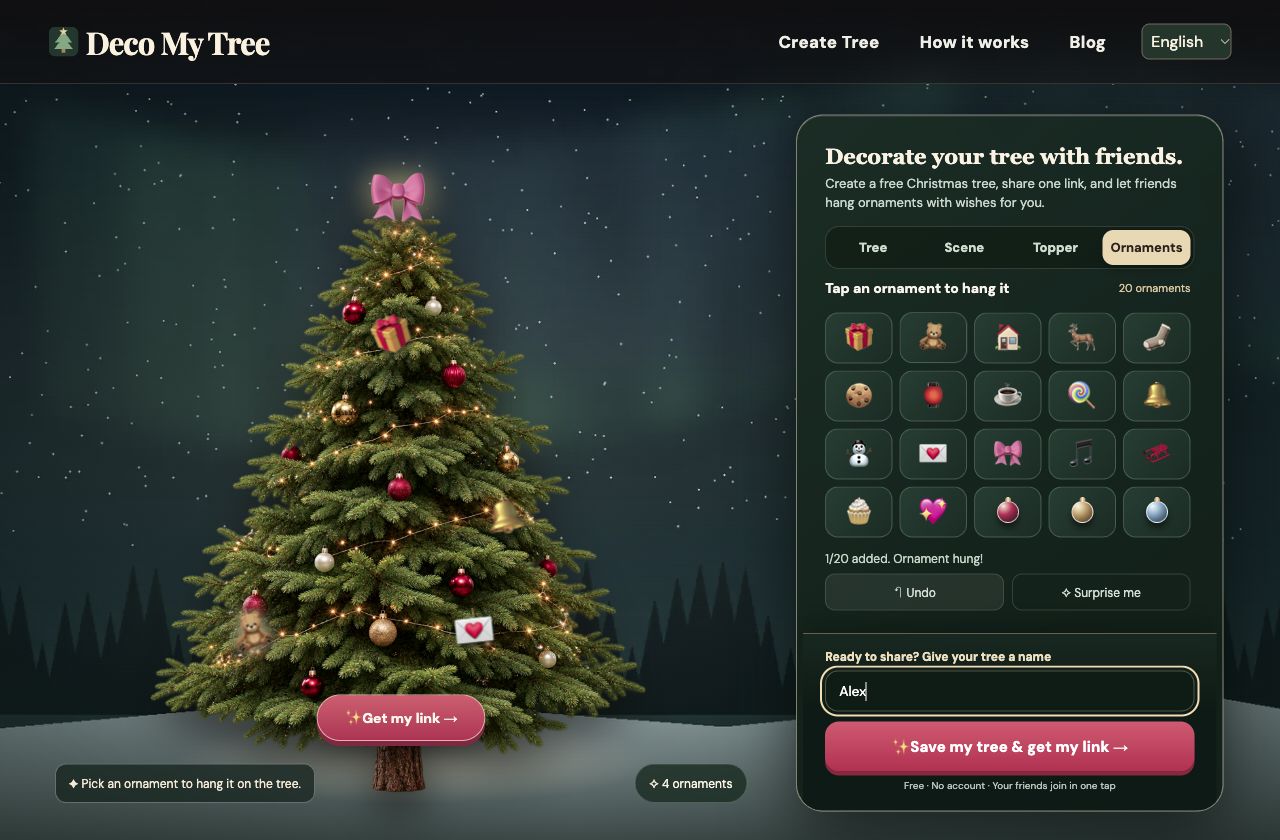
Pulsa cada adorno en la pestaña Adornos. Puedes añadir hasta 20 y usar Deshacer para quitar el último.
5. Ponle nombre y guarda el árbol
Enter a nickname that your friends will recognise. Select Save my tree & get my link to open the owner page.
6. Envía el enlace de invitación
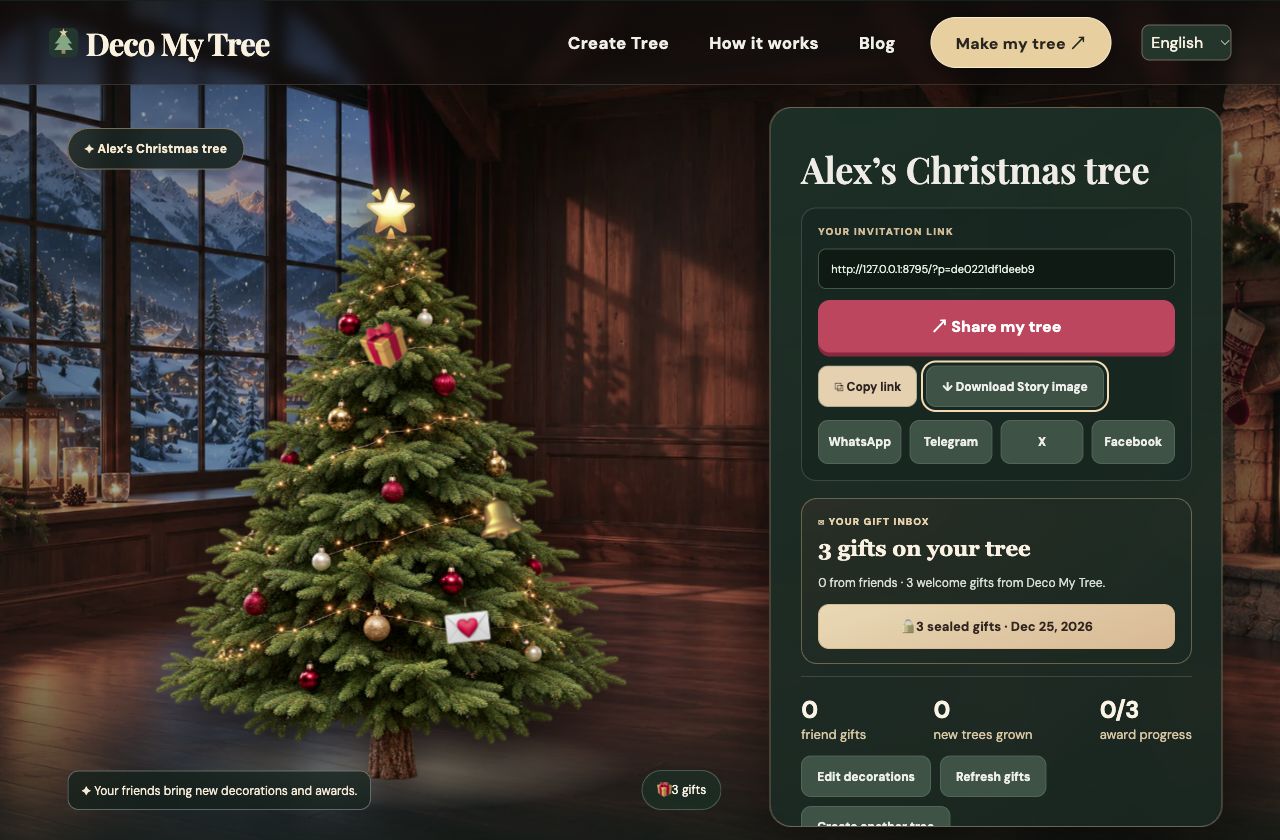
Copia el enlace de invitación en la página del propietario y pégalo en el chat del grupo. Guarda el enlace privado de gestión para ti.
7. Tus amigos envían regalos y deseos
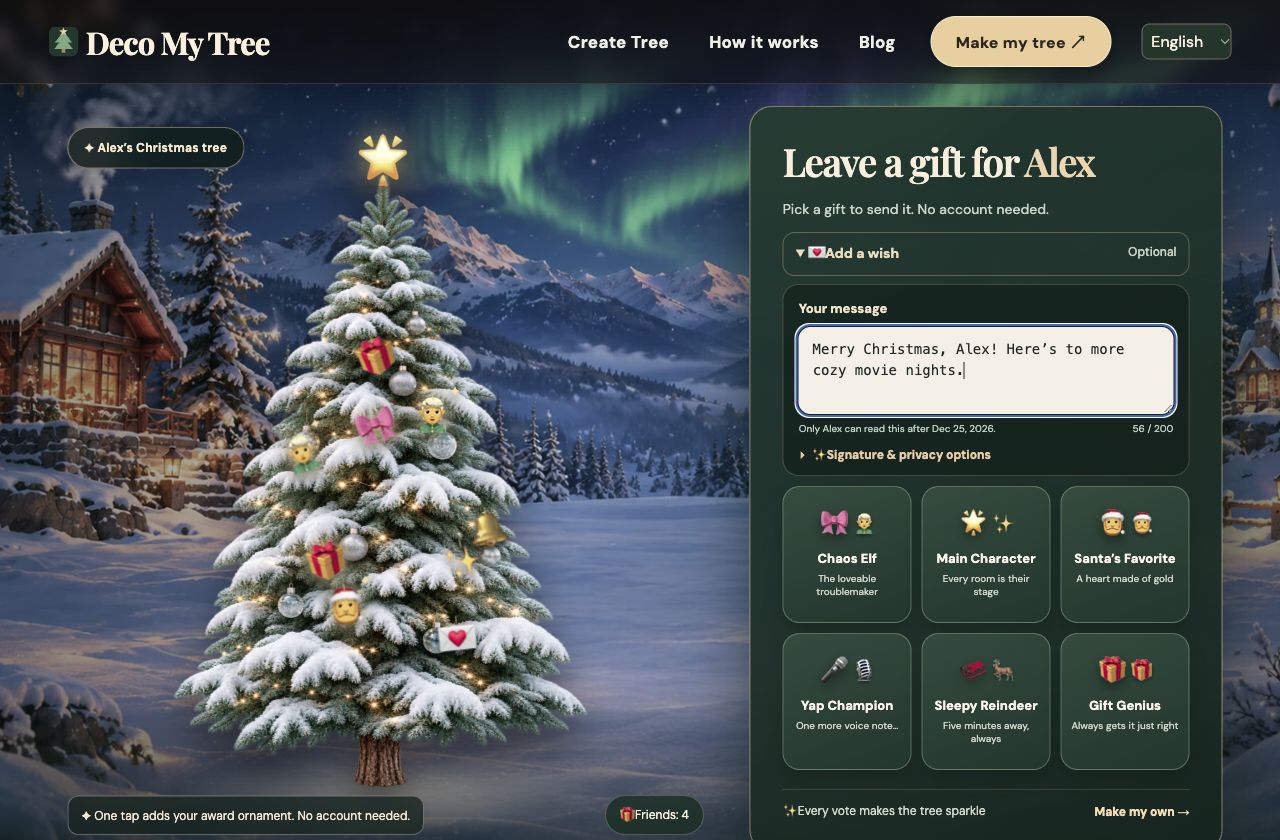
Tus amigos pueden escribir una nota y pulsar un premio para enviar el regalo. Los visitantes solo podrán leer la nota tras la apertura si el remitente la marca como pública.
8. Vuelve a tu árbol y abre la bandeja de regalos
Abre Mi árbol en el navegador original o usa el enlace privado en otro dispositivo. A la hora indicada podrás abrir la bandeja y ver los regalos.

9. Abre un regalo y lee el deseo
Elige un regalo para leer el mensaje y ver el nombre si está firmado. Vuelve a la bandeja para abrir otro.