如何和好友在线装扮圣诞树(2026)

想在 2026 年和好友在线装扮圣诞树?用 Deco My Tree 建树后,把一条邀请链接发给大家。这篇电脑端教程会带你看清树主和好友在每一步看到的画面。

1. 选择树形

在电脑上打开编辑器,在“树形”选项卡点选喜欢的样式,先查看大图预览。
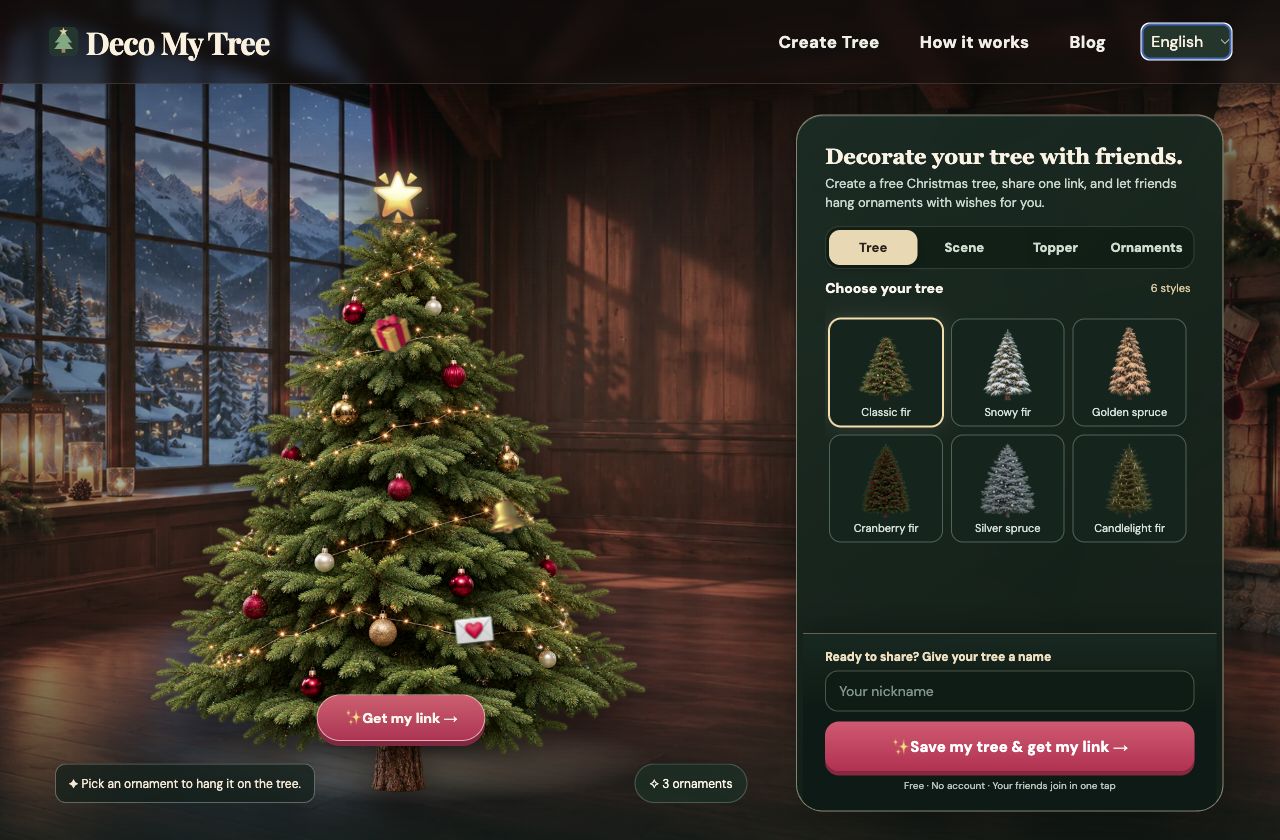
Desktop editor showing a classic fir and the available Christmas tree styles
Pick the shape of the tree before choosing its setting.

2. 选择冬日场景

打开“场景”,选一个背景,比如极光,看看预览里的圣诞树。
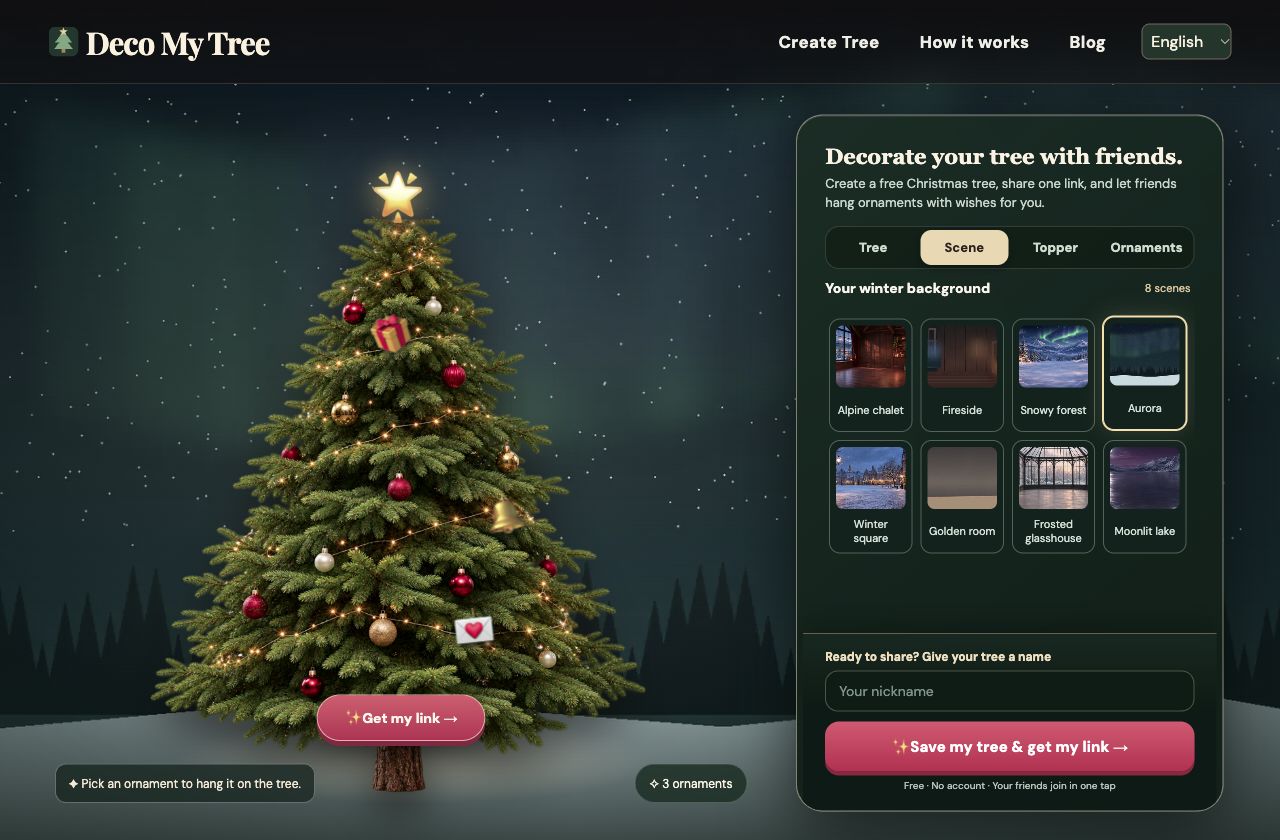
Desktop Scene tab with the Christmas tree displayed against an aurora
The preview updates when you select a new background.

3. 加上树顶装饰

打开“树顶”,选一个喜欢的装饰。想换种风格,可以试试用蝴蝶结代替星星。
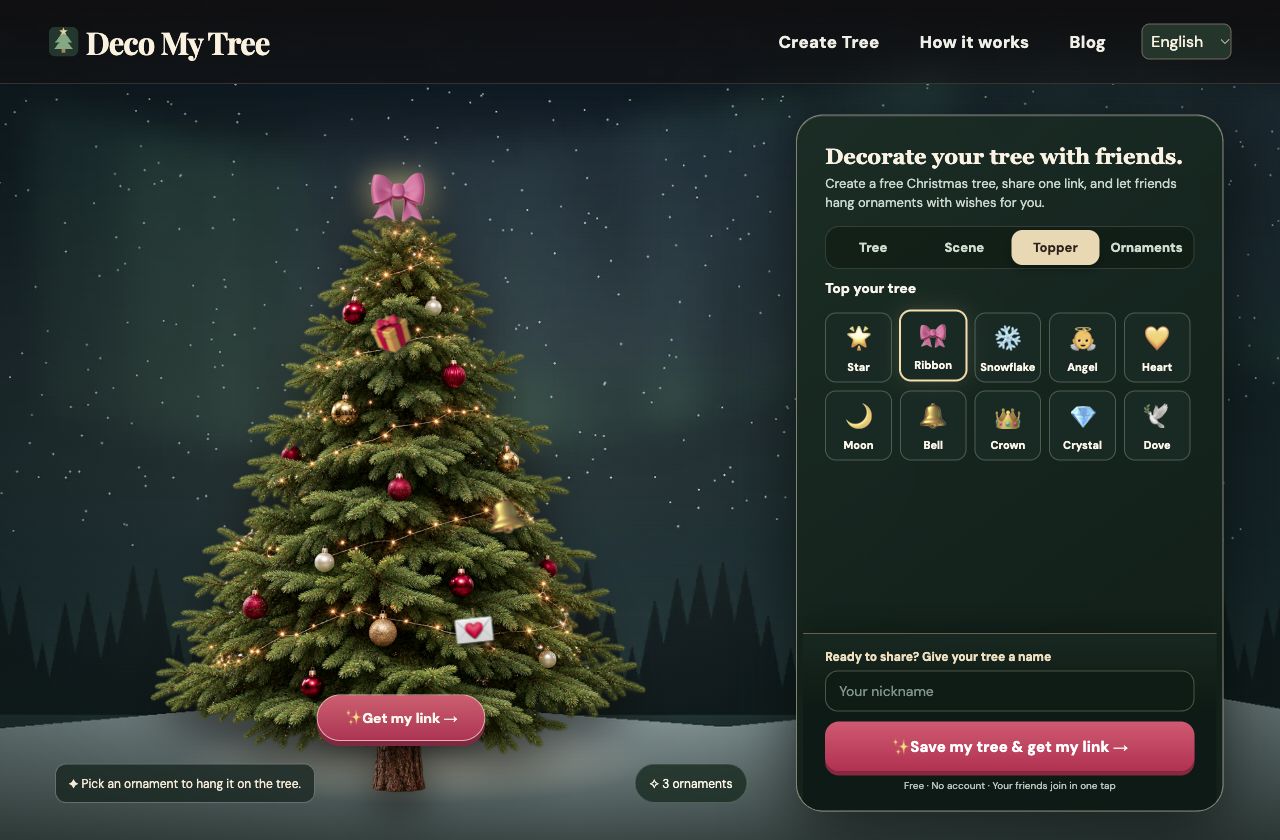
Desktop Topper tab with a bow on top of the virtual Christmas tree
The selected topper appears above the branches.

4. 挂几件装饰

在“装饰”里点击饰品即可挂上树,最多添加 20 件。用“撤销”移除最近一件。
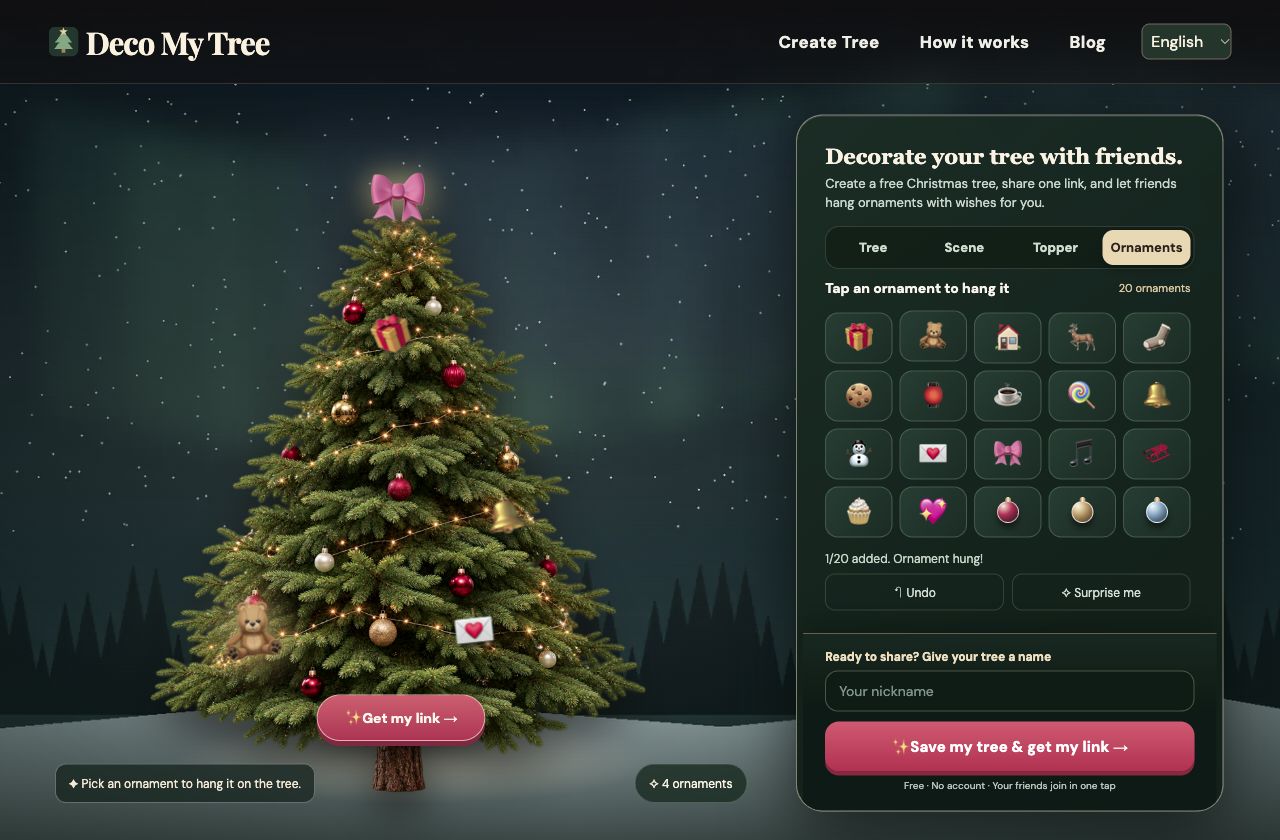
Desktop Ornaments tab showing a teddy bear added to the Christmas tree
Leave a little room so gifts from friends are easy to spot.

5. 给树取名并保存

Enter a nickname that your friends will recognise. Select Save my tree & get my link to open the owner page.
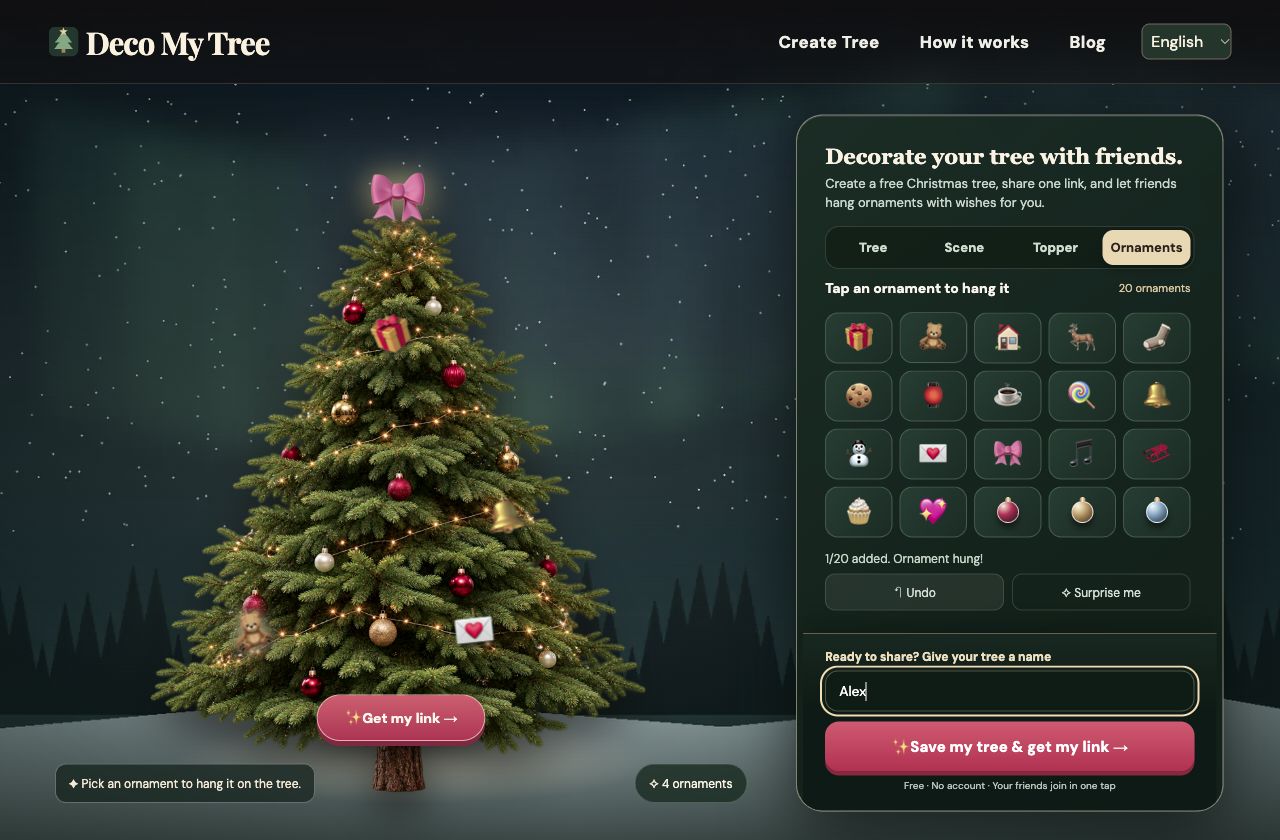
Desktop editor with Alex in the nickname field and the save button below
Your nickname identifies the tree for friends who open the invitation.

6. 发送邀请链接

在管理页面点击“复制链接”,粘贴到群聊。请留好自己的私有管理链接。
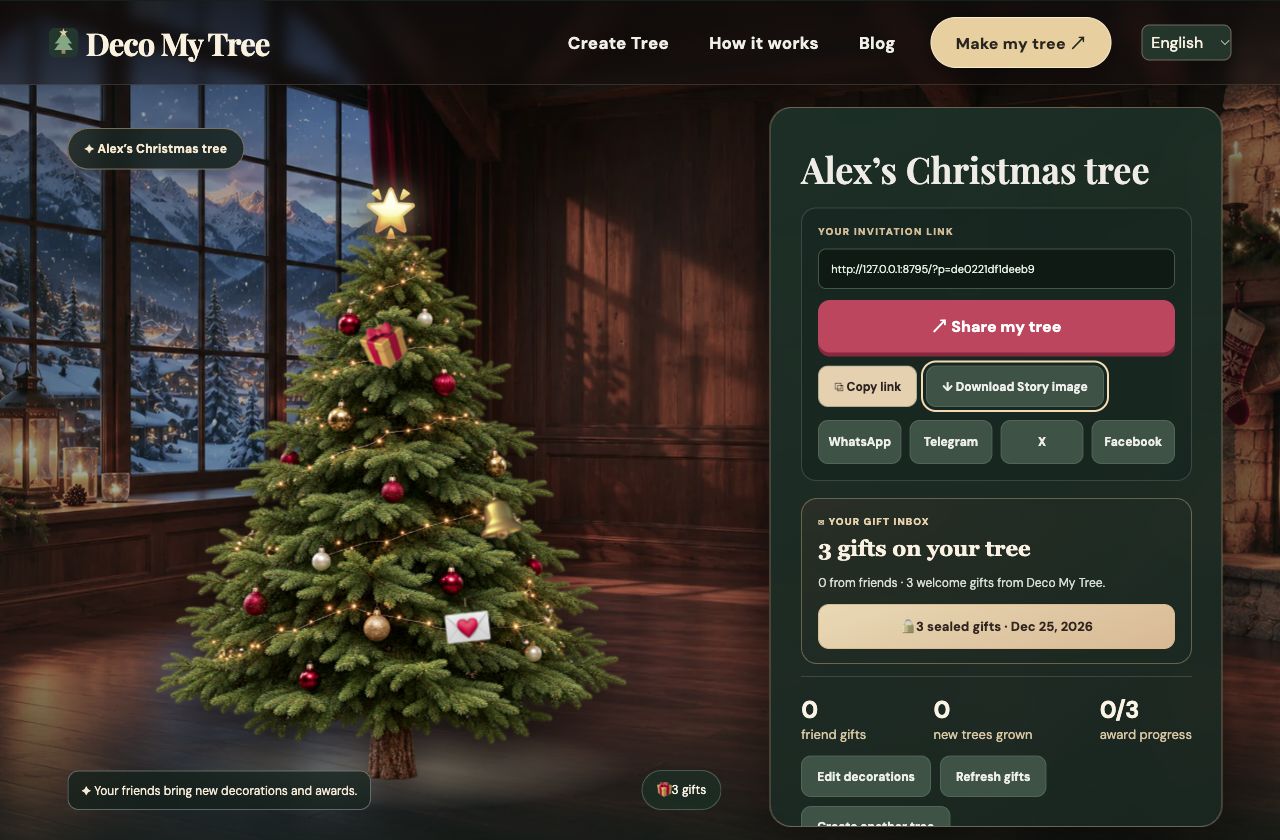
Desktop owner page showing the invitation link and Copy link control
Copy the invitation link from the sharing panel.

7. 好友可以送礼并写下祝福

好友可选“写下祝福”后点选趣味奖项送礼。祝福可以不写,且只有发送者允许公开时,访客才能在揭晓后看到。
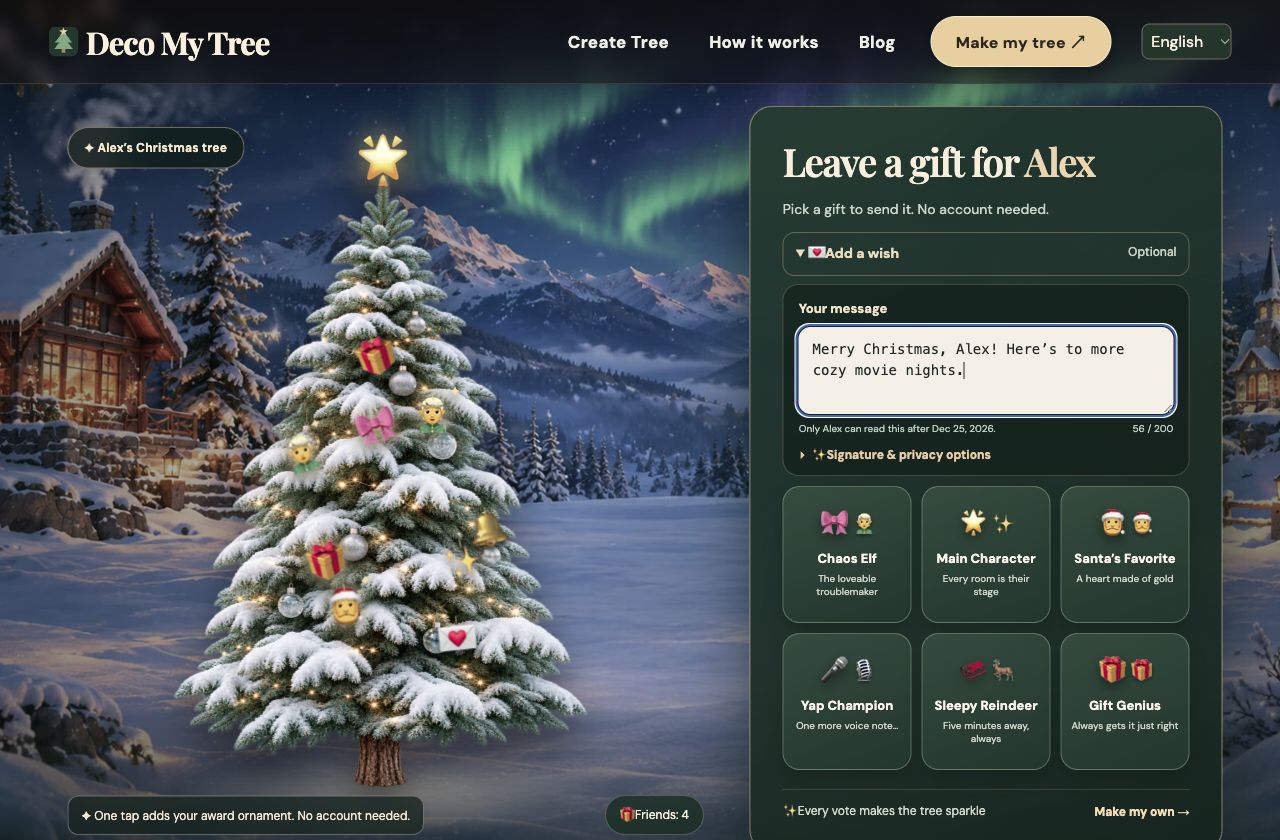
Desktop guest page with a Christmas wish typed above the friend award choices
Selecting an award sends the gift and any note the friend wrote.

8. 返回圣诞树并打开礼物收件箱

在创建时使用的浏览器打开“我的圣诞树”。换设备时使用私有管理链接。礼物未揭晓时,收件箱会显示时间。到时间后点击“拆开我的礼物”查看礼物卡片。
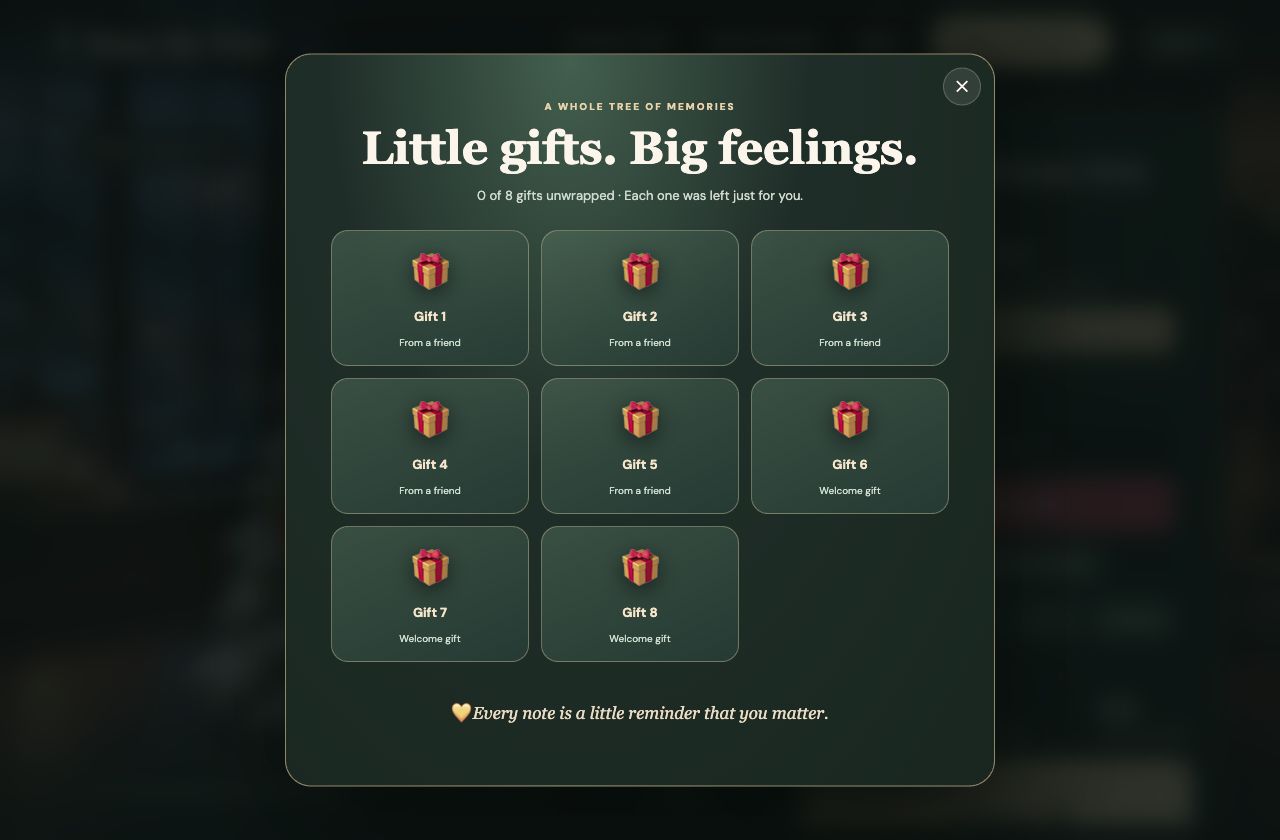
Desktop gift inbox on Alex’s Christmas tree showing numbered gift tiles to unwrap
Choose a gift from the inbox after the reveal.

9. 拆开礼物并阅读祝福

点一张礼物卡片就能读到祝福,署名的礼物会显示发送者名字。点“更多礼物”返回收件箱继续拆。
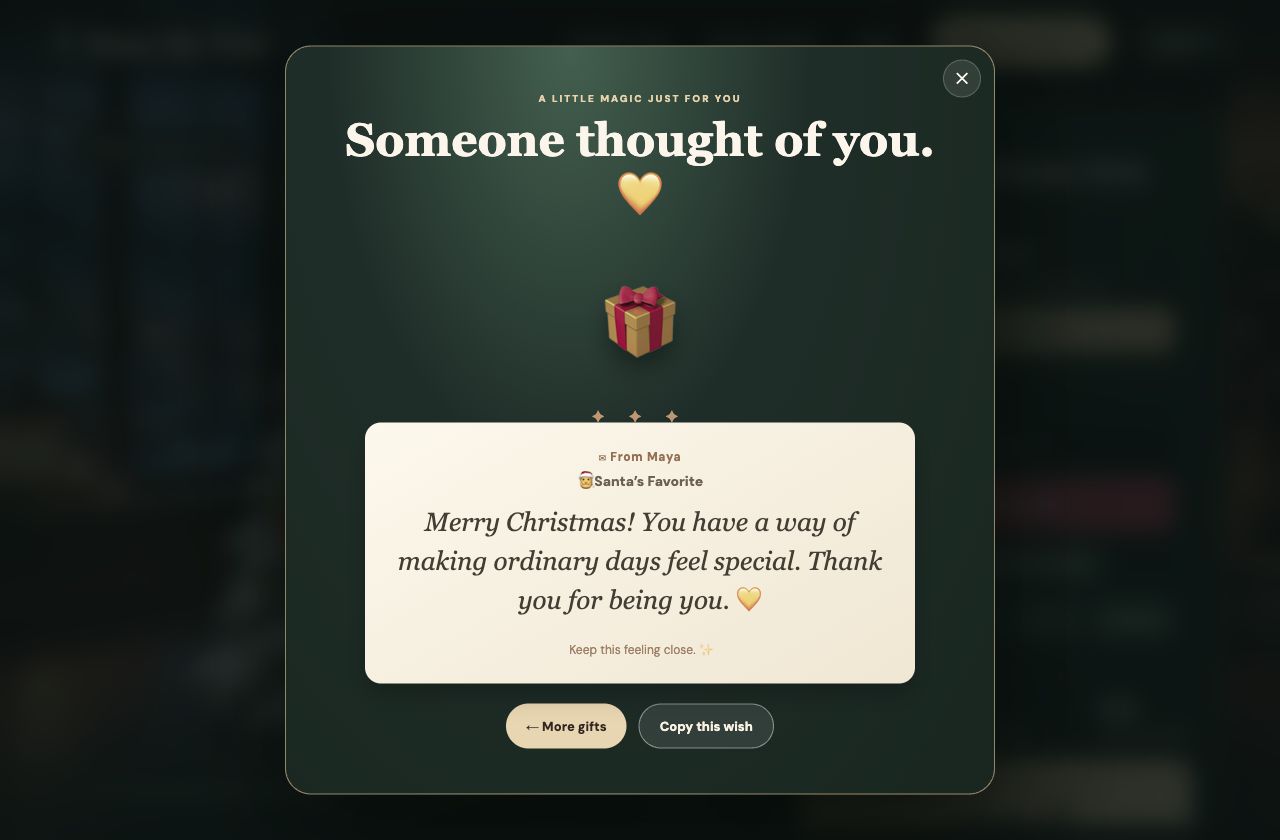
Desktop gift inbox revealing an example Christmas wish on Alex’s tree
The example gift shows what a note looks like after unwrapping.

免费创建圣诞树 ↗

← 更多圣诞点子